How a Field Service AI Receptionist Handles 24/7 Calls, Auto-Books Jobs, and Triggers Follow-Ups
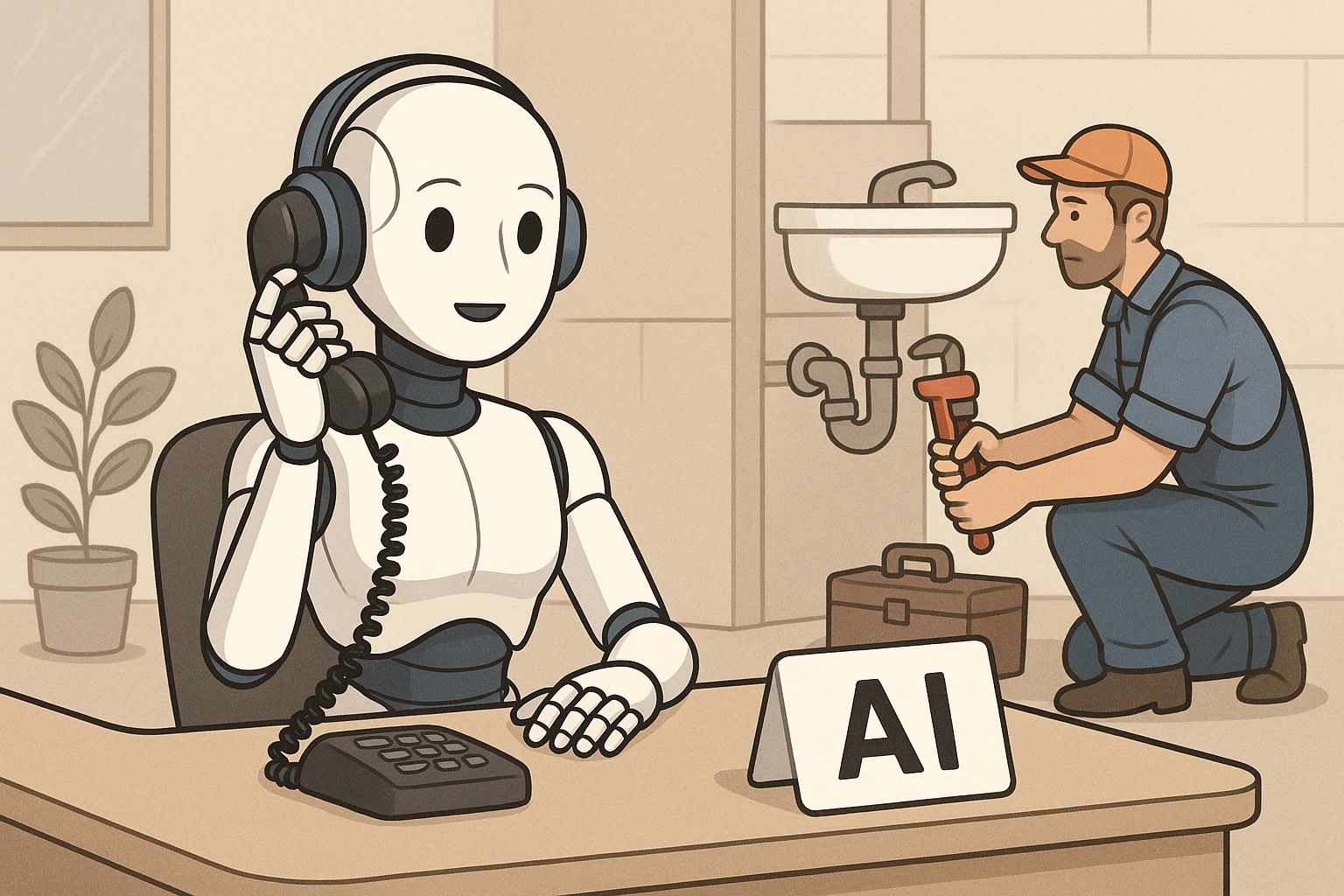
A field service AI receptionist does more than answer phones after hours — it triages job types, validates service areas, checks technician availability, and confirms bookings in real time without a human in the loop. For trade contractors running HVAC, plumbing, or electrical businesses, that distinction matters. Generic AI receptionist tools can schedule calendar appointments, but they cannot check whether your nearest available tech has the right certification, whether the address falls inside your service zone, or whether an unresponded estimate needs a follow-up nudge two days later. A field-service-native AI receptionist connects the inbound call directly to your dispatch board, your customer history, and your job lifecycle — so a 10 PM call about a burst pipe becomes a confirmed, dispatched job by the time your office opens, not a voicemail sitting in a queue.
Why Are Trade Contractors Losing Jobs After Hours — and Is It Just Missed Calls?
Missed calls are only part of the problem. Trade contractors lose jobs after hours because even when a caller leaves a voicemail, there is no system in place to respond, qualify, and confirm before that caller dials a competitor. For a five-truck plumbing company, that gap between 5 PM Friday and 8 AM Monday is not downtime — it is opportunity leaving through the back door.
Think about what actually happens when a homeowner calls at 9:30 PM about a water heater that stopped working. If no one answers, they move down the list. By morning, they have already booked someone else. The job was never lost to pricing or reputation — it was lost to availability of response.
The after-hours problem compounds when you factor in what happens during business hours too. A dispatcher juggling the board, a ringing phone, and a tech calling in from the field cannot give every inbound caller full attention. Some calls get rushed. Some get placed on hold too long. Some become missed bookings that nobody tracks because there was no system capturing them in the first place.
The contractors who close the gap are not necessarily adding office staff. They are adding a layer of automation that handles first contact, qualifies the job, and locks in the booking — so no opportunity expires in the queue overnight.
What Does an AI Receptionist Actually Do for a 24/7 Field Service Operation?
A field-service AI receptionist answers the call, holds a real conversation using natural language, identifies the job type and service address, pulls up the customer's history if they are an existing client, checks technician availability against your actual dispatch board, and confirms a booking — all before the call ends. It is not a phone tree. It is not a voicemail with a callback promise.
The difference between a field-service-native AI receptionist and a general scheduling bot is what happens in the background during that call. A general tool books a time slot. A field-service tool checks whether your nearest available tech is already loaded for that day, whether the job requires a specific certification, and whether the service address is within your operating zone before confirming anything to the caller.
Inbound Call Handling: From First Ring to Confirmed Booking
When a call comes in at 11 PM, the AI receptionist picks up immediately — no rings to voicemail, no "press 1 for service." It greets the caller naturally, asks what they need, and starts building the job record in the background while the conversation is happening.
For an existing customer, it pulls their service history before the caller even finishes describing the problem. For a new caller, it captures contact details and the service address and validates both against your service area before proceeding. If the address is outside your zone, the AI can communicate that directly rather than booking a job your team will have to cancel in the morning.
Once the job type is identified and the address is validated, the AI checks real technician availability — not a generic calendar, but your actual dispatch schedule — and offers confirmed time windows. The caller gets a booking confirmation by the time they hang up.
Dispatch Logic: Why the Booking Has to Talk to Your Schedule
A booking that does not connect to your dispatch board is not really a booking — it is a note someone has to act on later. For the AI receptionist to deliver actual value, the appointment it confirms has to land directly on your scheduling system with the right tech assigned or flagged for assignment.
Field-service-native AI dispatch logic factors in technician skill match, current workload, GPS proximity, and availability windows. If your best HVAC tech is already carrying five jobs on Tuesday, the AI does not fill his morning with a sixth — it surfaces the next best option. The goal is a confirmed job that your dispatcher can stand behind when the office opens, not a booking that creates conflict before the day starts.
What Happens After the Call? The Follow-Up Gap Most AI Receptionists Ignore
Most AI receptionists stop at the call. A field-service AI receptionist should trigger a follow-up sequence tied to job status — not just call completion. That means a booking confirmation fires immediately, a day-before reminder fires automatically, and a post-job follow-up fires when the technician marks the job complete in the field. If an estimate goes unresponded for 48 hours, the system nudges the customer without anyone in your office having to remember to do it.
This is the gap that costs trade contractors real revenue. A three-truck electrical contractor sending out twelve estimates a week cannot track every one manually. Two of those estimates are sitting unread in an inbox right now. Without automated follow-up, those jobs either close on their own timeline or they do not close at all.
The follow-up sequence is not about being pushy. It is about being present. A customer who got a quote on Monday and heard nothing by Thursday does not assume you are busy — they assume you do not need the work. A well-timed, professional follow-up message changes that perception and gives them a clear path to say yes.
How Should Automated Follow-Up Sequences Match the Job Status?
Effective follow-up automation mirrors what is actually happening with the job — not just what happened on the phone. The sequence should look something like this:
- Immediately after booking: Confirmation message with job details, tech name, and arrival window
- Day before the appointment: Reminder with the same details and a way to reschedule if needed
- After job completion: Thank-you message and a review request once the tech marks the job complete in the field
- 48 hours after estimate delivery: A professional nudge asking if the customer has questions and offering a clear next step
- No-show or cancellation: Rescheduling outreach to recover the appointment rather than let the job go cold
Each of these triggers is tied to a job lifecycle event, not a clock on the wall. That distinction is what separates field-service follow-up automation from a generic drip sequence.
Generic AI Receptionist vs. Field Service AI Receptionist: What Is Actually Different?
A generic AI receptionist handles conversation. A field-service AI receptionist handles conversation and connects to your operations. The practical difference is whether a booking confirmed during the call actually appears on your dispatch board with the right tech, or whether it lands in a separate tool that someone has to manually check in the morning. For trade contractors, that handoff gap is where jobs fall through.
Here is what separates the two in concrete terms:
- Service area validation: Generic tools book addresses. Field-service tools check whether the address is inside your zone before confirming.
- Tech availability: Generic tools check a calendar. Field-service tools check your actual dispatch board, skill tags, and workload.
- Customer history: Generic tools treat every call as a new contact. Field-service tools pull the caller's job history, open invoices, and equipment records.
- Follow-up triggers: Generic tools send a post-call SMS. Field-service tools trigger follow-ups based on job status changes — completion, estimate expiry, no-show.
- Dispatch handoff: Generic tools create a note. Field-service tools create a job record that lands directly on the board.
The extra capability is not a luxury for large operations. For a small shop where one person is handling dispatch, customer communication, and invoicing simultaneously, automation that works end-to-end is the difference between a manageable day and a chaotic one.
Is an AI Receptionist Right for Your Trade Business? Signs You Need One
If your phone rings after 5 PM and nobody answers it, you need an AI receptionist. That is the clearest signal. But there are subtler signs worth recognizing too — because the cost of inaction is often invisible until you start measuring it.
Consider whether any of these apply to your operation:
- You regularly find voicemails in the morning from callers who already booked someone else overnight
- Your dispatcher gets pulled off the board to answer inbound calls during peak dispatch hours
- Estimates go out and you have no systematic way to follow up without doing it manually
- Customers call back asking where their tech is because nobody sent a reminder
- You have lost jobs on weekends because the phone just rang out
None of these problems require a large operation to show up. A two-tech HVAC shop dealing with seasonal surge volume in August is just as exposed as a fifteen-tech shop running year-round. The question is not whether the problem exists — it is whether the fix costs more than the jobs it recovers.
How ServiceMerge's AI Voice Receptionist Connects Calls to Your Entire Field Operation
ServiceMerge includes a built-in AI Voice Receptionist that answers calls 24/7, looks up the caller in your customer database, pulls their service history, and can book jobs directly to your dispatch board before your office opens. It is not a bolt-on integration or a third-party tool you have to stitch to your scheduling system — it is native to the platform.
When the AI books a job, it lands on the ServiceMerge dispatch board alongside your full schedule. The AI Dispatching engine then ranks available techs by skill, proximity, workload, and availability — so the booking that comes in at midnight is ready for a real assignment decision by morning, not a data-entry project.
Follow-up automation is also built into the job lifecycle. Estimate reminders, appointment confirmations, post-job review requests — these fire based on what is actually happening with the job, not just what happened on the phone.
ServiceMerge is built specifically for trade contractors running lean teams. Plans are designed for small and growing field service businesses — see current options at servicemerge.com/pricing.html. There are no contracts and no per-technician pricing traps. Start with a 14-day free trial and see how much of your after-hours and follow-up workload disappears on day one.
If calls are going unanswered after 5 PM, estimates are sitting unread, and your dispatcher is pulled in too many directions during the day, ServiceMerge's AI Voice Receptionist closes those gaps without adding headcount. Explore plans and start your free trial today.
Frequently Asked Questions
Can an AI receptionist schedule appointments for HVAC, plumbing, or electrical businesses?
Yes — but the effectiveness depends entirely on whether the AI is integrated with your field service management platform. A field-service-native AI receptionist can check technician availability, validate the service area, match job type to technician skill, and confirm a booking in real time during the call. Generic scheduling tools cannot do any of this without a manual handoff from office staff after the call ends. For trade contractors, that manual handoff is exactly where jobs fall through the cracks overnight or over a weekend.
What follow-ups should an AI receptionist handle automatically for a field service business?
An FSM-integrated AI receptionist should trigger follow-ups based on job status, not just call events. This includes booking confirmations sent immediately after scheduling, day-before appointment reminders, post-job review requests once a tech marks a job complete, estimate approval nudges if a quote goes unresponsive after 48 hours, and rescheduling outreach for no-shows. Generic AI receptionists typically only send a post-call SMS and have no visibility into job lifecycle events, which means the follow-up work still falls on your office staff to handle manually.
Is an AI receptionist going to replace human receptionists at trade contracting companies?
For after-hours and overflow call handling, AI receptionists are already covering what would previously require a human on standby. Complex customer escalations, complaints, and relationship-driven interactions still benefit from a real person who knows the account. Most trade contractors use AI to fill the gaps — nights, weekends, and peak volume periods — while their team focuses on higher-value conversations during business hours. The goal is not replacement but coverage, so no inbound opportunity expires without a response.
How much does an AI receptionist cost for a small field service business?
Standalone AI receptionist tools typically start between fifty and three hundred dollars per month, but that cost compounds quickly when you also pay separately for scheduling software, a CRM, and a follow-up automation tool. An FSM platform with a built-in AI receptionist consolidates those costs into one subscription and eliminates the integration complexity of stitching multiple disconnected tools together. For trade contractors already paying for field service software, an included AI receptionist adds significant capability without adding another line item to the budget. See current ServiceMerge plans at <a href="https://servicemerge.com/pricing.html">servicemerge.com/pricing.html</a>.
What is the difference between an AI receptionist and a traditional IVR phone system?
A traditional IVR routes callers through a pre-recorded menu using keypad inputs — press 1 for service, press 2 for billing. An AI receptionist uses natural language processing to hold a real conversation, understand what the caller needs, ask clarifying questions, and take action — like booking a job or sending a confirmation — without the caller navigating a menu tree. For field service businesses, an FSM-native AI receptionist also connects to dispatch logic and technician scheduling in ways an IVR system cannot access. The result is a caller experience that feels like talking to a knowledgeable office staff member rather than a phone tree.
Ready to run a smarter field service business?
Dispatch jobs, send invoices, collect payments, and track your techs in the field — with AI-powered scheduling, route optimization, and tools that cut admin work so your team stays on jobs, not paperwork. Built for many trades like plumbing, HVAC, roofing, and electrical — view the full list of trades.